> ## Documentation Index
> Fetch the complete documentation index at: https://docs.pixldata.com/llms.txt
> Use this file to discover all available pages before exploring further.
# Introduction to PixlHub
> PixlHub is a high-performance data annotation platform designed to transform raw data into structured, production-ready training sets for AI models. It serves as a unified workspace that bridges the gap between massive datasets and high-precision ground truth.
 ### The Architecture
PixlHub uses a structured hierarchy to maintain order across large-scale data operations:
* **Organizations:** The highest administrative level. This is where teams, permissions, and multiple workspaces are managed.
* **Projects:** The operational hub for specific labeling goals. Each project contains a unique **Ontology** (classes and attributes) and specialized annotation tools.
* **Datasets & Assets:** The library of raw source files. Assets are uploaded once and can be utilized across multiple projects without data duplication.
**Tasks:** The actual unit of production. PixlHub separates *Assets* from *Tasks*, allowing for diverse labeling objectives to be generated from the same raw source material.\
\
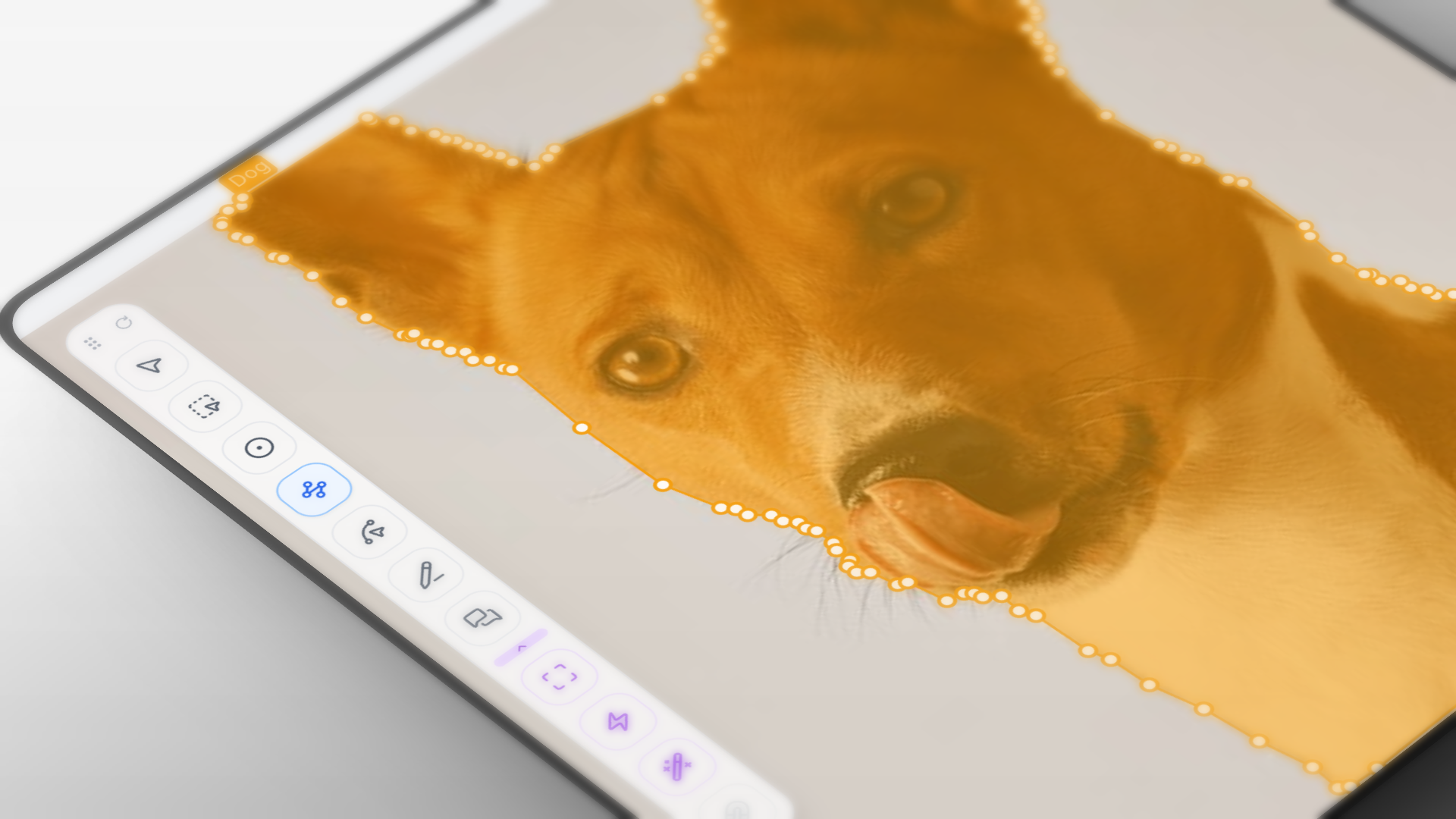
**Optimized Annotation Flow** The interface is built for speed. With a keyboard-first design and a high-performance canvas, the platform remains fluid even when handling complex polygons or hundreds of objects in a single frame.
**Integrated Quality Control** Quality is enforced through a dedicated **Review Workflow**. Managers can track every label in real-time, providing feedback, rejecting errors, or approving completions to ensure the final output meets strict accuracy thresholds.
**Operational Insights** Project progress is monitored through live dashboards. PixlHub provides granular analytics on label distribution, annotator velocity, and time-per-task, offering full visibility into the project lifecycle.
The fastest way to get up and running. This section covers creating an organization, setting up a first project, and uploading the initial dataset to start labeling in minutes.
A deep dive into the PixlHub hierarchy. Learn how Organizations, Projects, Assets, and Tasks interact to keep large-scale data operations organized and scalable.
A detailed look at the labeling interface. This guide explores the full suite of tools—from precision bounding boxes and polygons to complex classification attributes and keyboard shortcuts.
Understand how to set up review cycles for quality control, track team performance through analytics, and export final annotations in various formats.
### The Architecture
PixlHub uses a structured hierarchy to maintain order across large-scale data operations:
* **Organizations:** The highest administrative level. This is where teams, permissions, and multiple workspaces are managed.
* **Projects:** The operational hub for specific labeling goals. Each project contains a unique **Ontology** (classes and attributes) and specialized annotation tools.
* **Datasets & Assets:** The library of raw source files. Assets are uploaded once and can be utilized across multiple projects without data duplication.
**Tasks:** The actual unit of production. PixlHub separates *Assets* from *Tasks*, allowing for diverse labeling objectives to be generated from the same raw source material.\
\
**Optimized Annotation Flow** The interface is built for speed. With a keyboard-first design and a high-performance canvas, the platform remains fluid even when handling complex polygons or hundreds of objects in a single frame.
**Integrated Quality Control** Quality is enforced through a dedicated **Review Workflow**. Managers can track every label in real-time, providing feedback, rejecting errors, or approving completions to ensure the final output meets strict accuracy thresholds.
**Operational Insights** Project progress is monitored through live dashboards. PixlHub provides granular analytics on label distribution, annotator velocity, and time-per-task, offering full visibility into the project lifecycle.
The fastest way to get up and running. This section covers creating an organization, setting up a first project, and uploading the initial dataset to start labeling in minutes.
A deep dive into the PixlHub hierarchy. Learn how Organizations, Projects, Assets, and Tasks interact to keep large-scale data operations organized and scalable.
A detailed look at the labeling interface. This guide explores the full suite of tools—from precision bounding boxes and polygons to complex classification attributes and keyboard shortcuts.
Understand how to set up review cycles for quality control, track team performance through analytics, and export final annotations in various formats.