
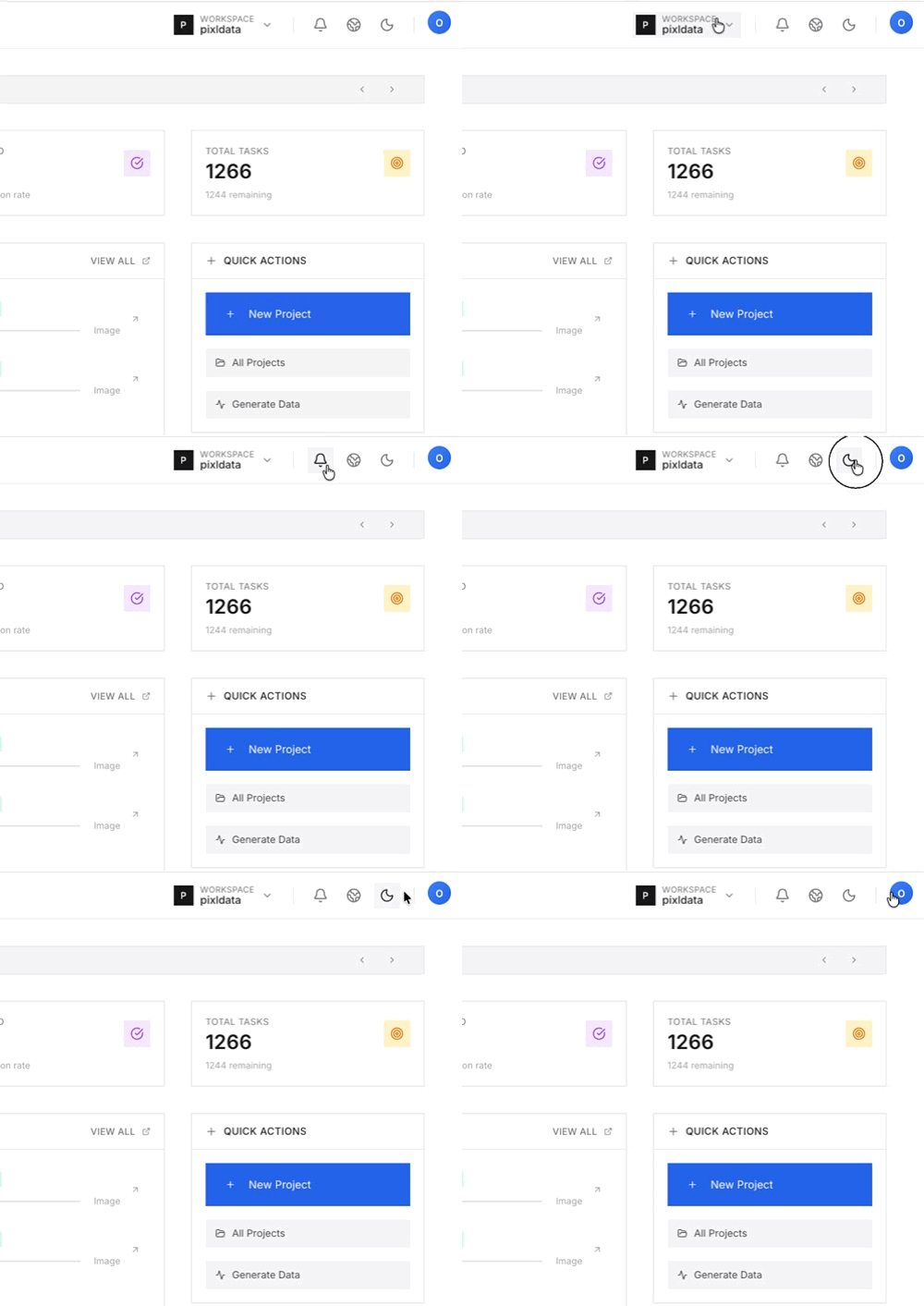
Organization Switcher
Users belonging to multiple organizations can switch between different workspaces using the dropdown menu in the top navigation. Selecting an organization instantly updates the project lists, team members, and datasets associated with that specific entity.Notification System
PixlHub uses a tiered notification system to keep users updated on project status and organizational changes:- Organization Alerts: A small orange badge appears on the user avatar when there is a critical update or invite at the organization level.
- General Notifications: Activity updates, such as task assignments or review feedback, are accessible via the notification bell icon.
Language & Theme Toggles
To ensure comfort during long working hours, the interface can be customized instantly:- Dark Mode Support: Users can toggle between Light and Dark themes. Dark mode is optimized to reduce eye strain during intensive annotation sessions.
- Language Switcher: The platform supports multiple languages. Switching the language updates all interface elements, menus, and system messages.